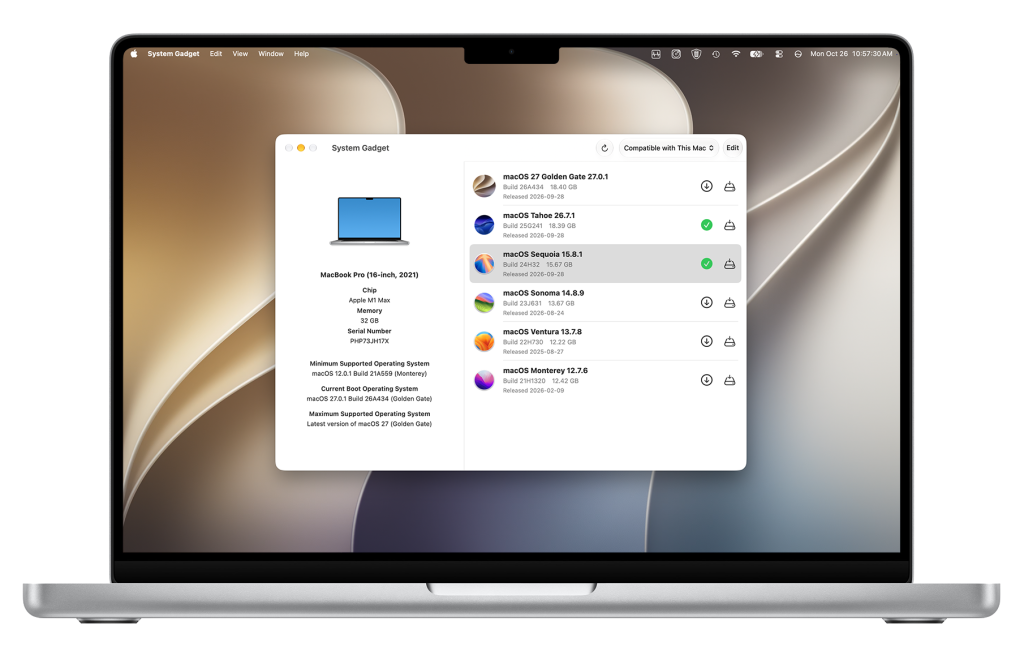
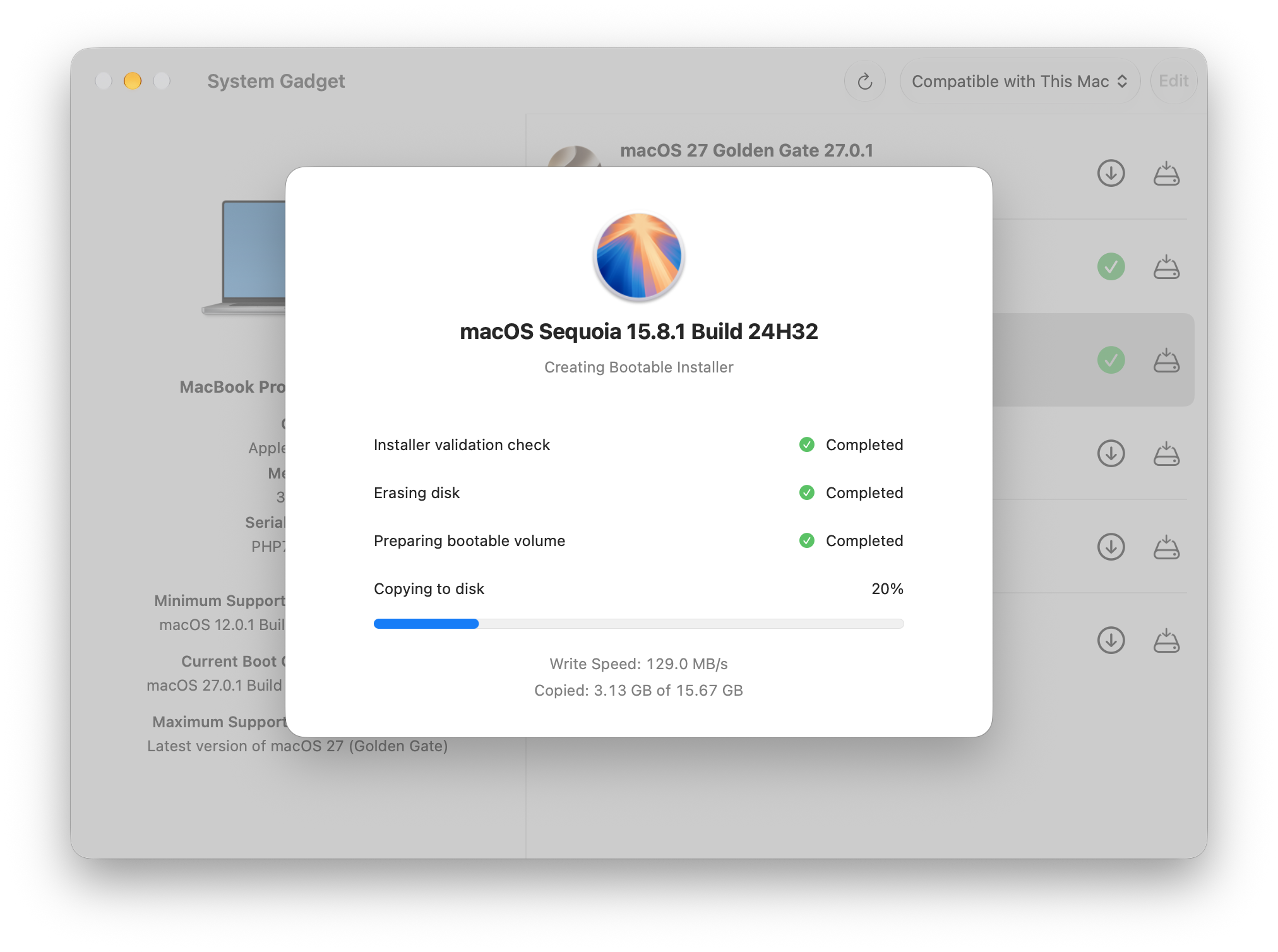
Need to reinstall macOS, prepare another Mac, or find an installer for an older machine? System Gadget brings available macOS installers together in one place, with a clear view of the versions compatible with your Mac.
Download installers directly from Apple, create bootable installation media, and access older releases without searching through support pages or using Terminal. Whether you’re looking after one Mac or several, System Gadget makes it easier to have the right installer ready.
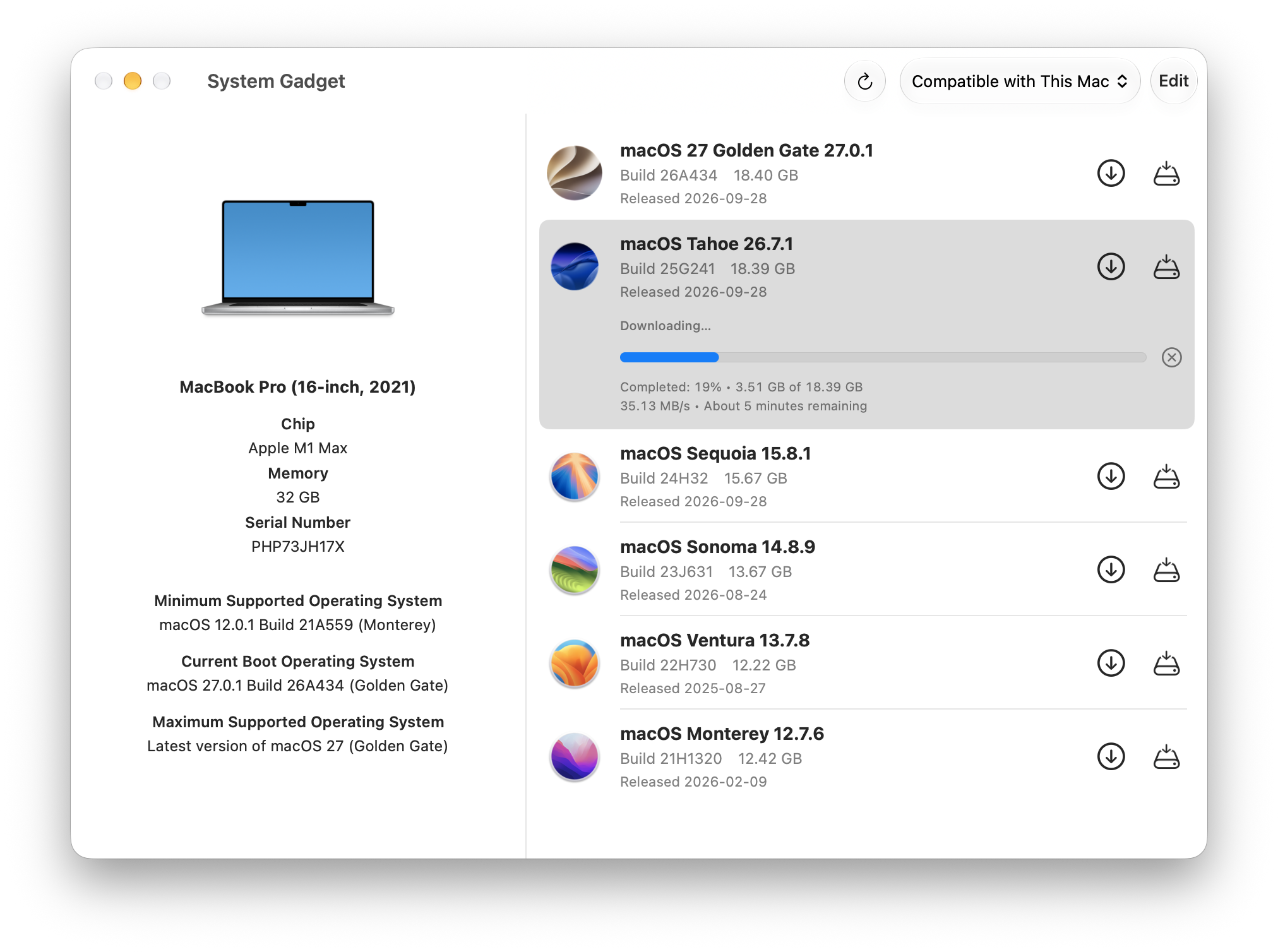
See your Mac’s hardware details alongside its minimum, current, and maximum supported operating systems. Browse compatible installers with version, build, and download size information to help you choose the release you need.
Create Bootable macOS Installers
Get ready for your next installation
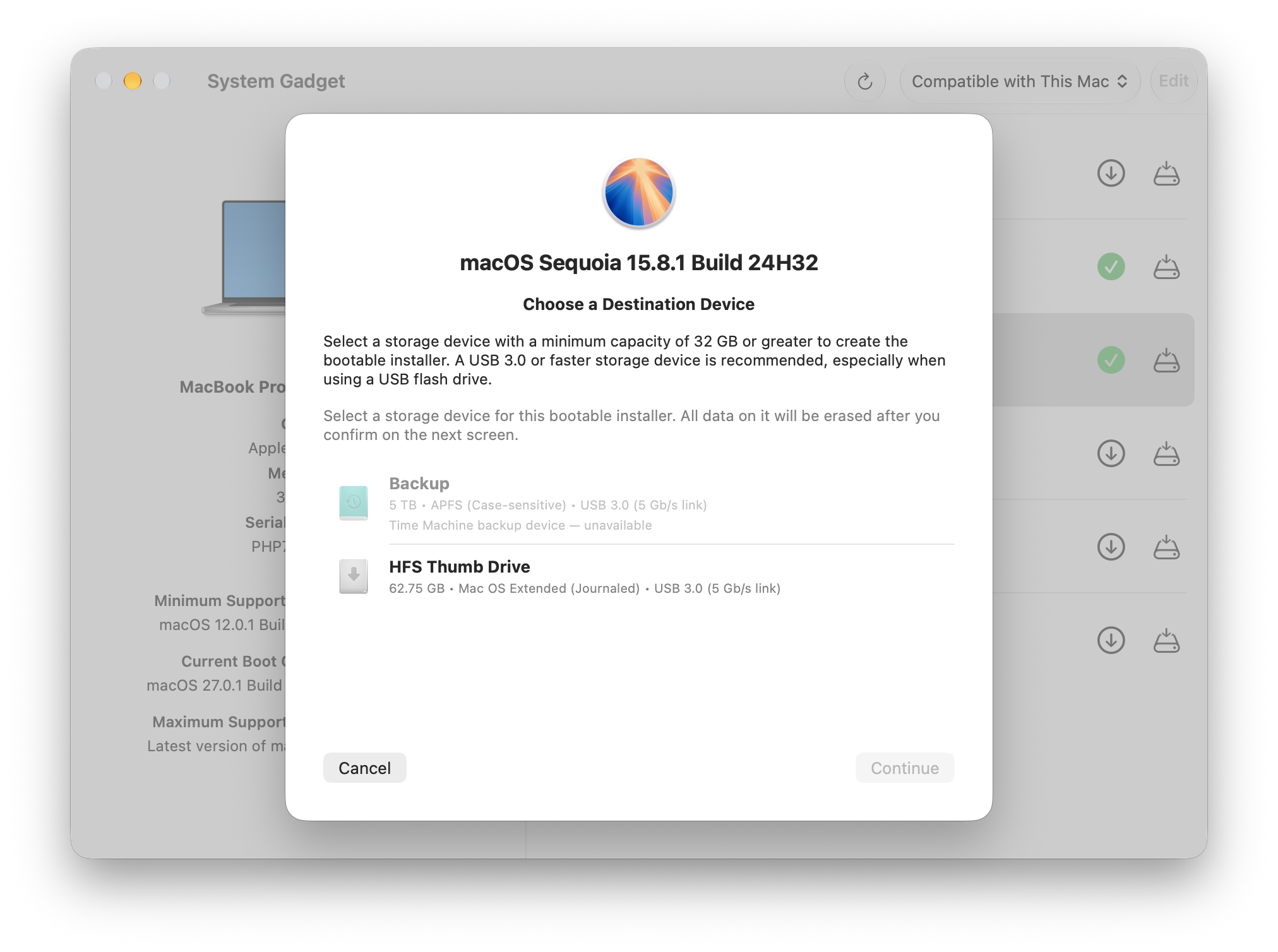
Turn an external storage device into a bootable macOS installer with a guided workflow. System Gadget handles downloading and preparing supported installers, checks your destination, and shows progress as it creates your installation media. Already have a matching installer? Use it without downloading it again.
Creating a bootable installer erases the selected storage device.
Download Installers for Other Macs
Keep older Macs in the picture
Looking after a Mac other than the one you’re using? Browse the broader installer catalog or download legacy installers directly from Apple. Keep the releases you need on hand for compatible Macs, including older generations.
Bootable installer creation is available for supported installer formats.
System Requirements:
Apple silicon and Intel-based Macs
macOS 12 Monterey or later
Internet connection for installer downloads
External storage device for bootable installer creation